What to expect during your GeoLinks commercial installation
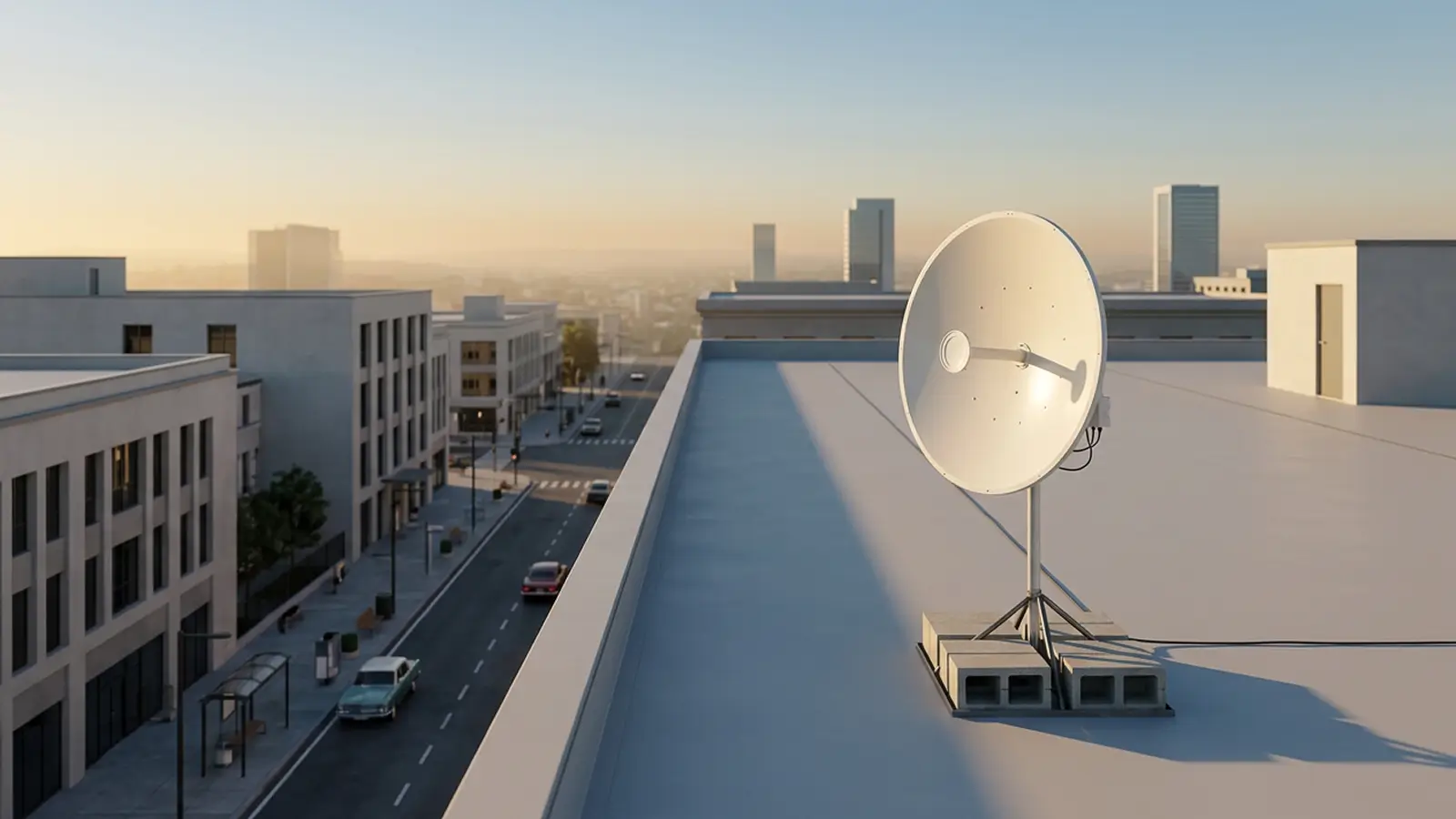
GeoLinks delivers high-speed wireless Internet to businesses and commercial properties. We place a small subscriber unit on the roof that links wirelessly to a nearby GeoLinks base station, with no trenching and no fiber to pull. We use a non-penetrating roof mount, so the roof and membrane are not drilled or damaged.
No penetration
A ballasted mount that is not drilled into the roof.
Fully insured
Coverage that meets owner and management requirements.
Code-compliant
Licensed contractors who know building and city code requirements.
Finished in hours
Installation is quick and clean with the experience of our licensed pros.
Getting ready for your installation appointment
Licensed GeoLinks contractors handle the entire installation, coordinating with your team on access and building requirements. Here is what to have ready and exactly how the work is done.
What to have ready before the technician arrives:
Roof access
and any approvals required by the building owner or management.
A network or IDF room
with a standard power outlet for the power supply.
An existing cable entry
such as a roof vent or access point we can route the cable through.
A point of contact
on site to coordinate access and scheduling.
What happens when our licensed pro arrives:
Site survey
We confirm the mount location, cable path, and network room.
Assemble & ballast
The non-penetrating mount is built on its mat and weighted with blocks.
Mount & aim
The subscriber is mounted to the mast and aligned to our base station.
Cable, connect & clean up
We route the cable inside, power up, test speeds, and tidy the site.
GeoLinks is fully insured. All installations are performed by licensed contractors with attention to visual aesthetics, building and city code compliance, quality workmanship, and a clean site.
How GeoLinks connects to your business
Compact rooftop antenna
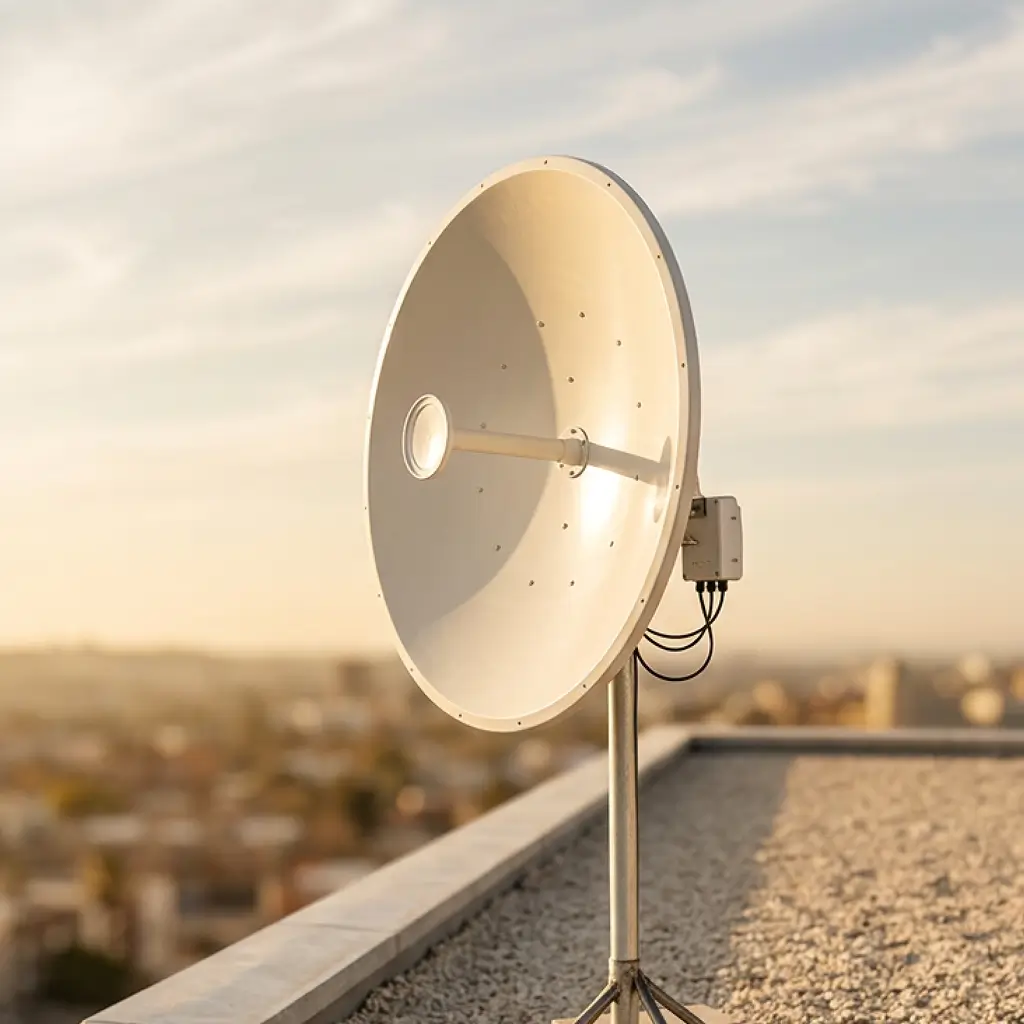
A compact, low-profile dish receives your internet signal from our nearby base station.
Non-penetrating mount
A self-supporting steel frame on a weatherized rubber mat, stabilized with concrete blocks. It is not bolted to or through the roof.
Cable to network room
One outdoor-rated cable runs through an existing vent or access point to a power supply in your network room, delivering service inside.
Specs
Mount type
Ballasted roof mount
Connection type
Fixed wireless from nearby GeoLinks base station
Cable
Single, outdoor-rated cable
Indoor equipment
Power adapter and Wi-Fi router
Commercial internet connection questions
Browse the list of common questions about the commercial internet installation process. Contact us with any questions.