IoT connectivity for cameras and field equipment
Fire cameras and other connected equipment can link directly to the GeoLinks network. You manage them over the same network they run on.

More than a Wi-Fi connection
Any smart device can run over a GeoLinks connection through standard Wi-Fi, the same as on any network. GeoLinks IoT is for equipment that needs more than that.
Devices like fire cameras connect directly to our fixed wireless network and can be managed over it. It's not a cellular plan or a dedicated IoT Wi-Fi service.
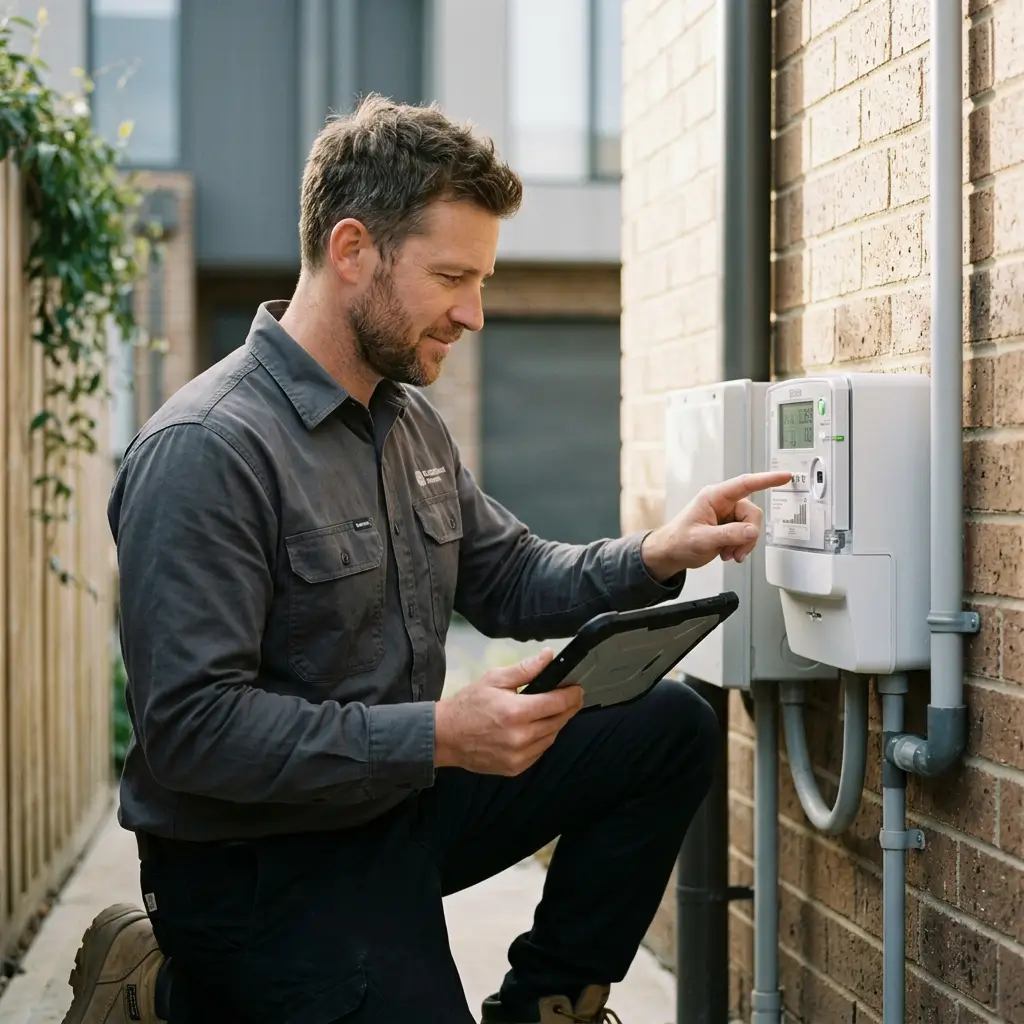
Built for equipment in hard-to-reach places
Cameras and sensors often sit where cable doesn't go. Fixed wireless brings the network to them.
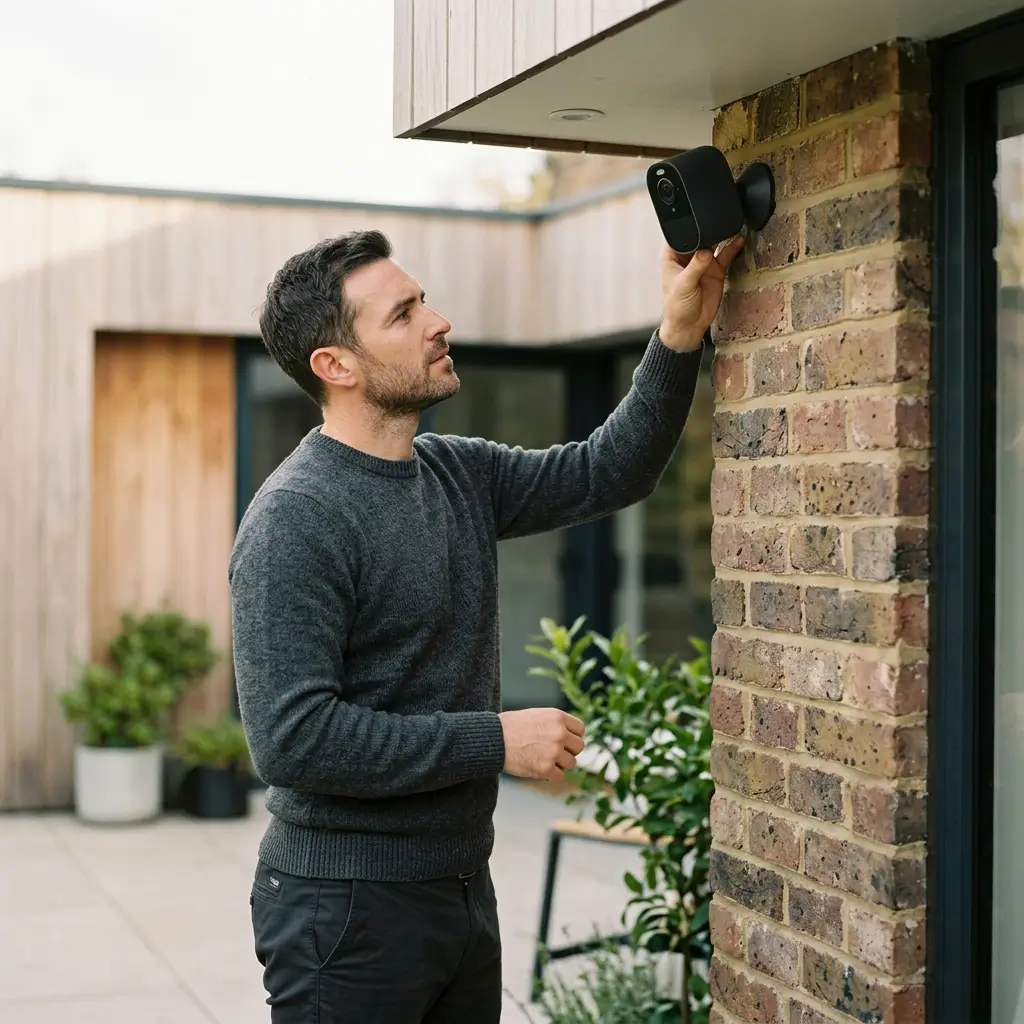
A direct network link
Equipment connects straight to GeoLinks fixed wireless, not through a cellular carrier.
Managed over the network
Reach and manage connected equipment over the same network it runs on.
Fits remote sites
Fixed wireless reaches hillsides, rooftops, and open land where wiring is impractical.
Everyday devices still work
Standard smart devices run over a GeoLinks Wi-Fi connection like they would anywhere else.
Equipment that runs on GeoLinks
Tell us what you're deploying and where. We'll confirm how it connects.
Fire cameras
Connect fire cameras directly to the network and manage them remotely.
Sensors and monitors
Connect other field equipment that needs a steady link. Our team confirms compatibility first.
Layer 2 or Layer 3
Choose the network setup that fits how you manage your devices.
Scoped to your deployment
Every setup is planned around your equipment and your site.
Remote locations
Fixed wireless reaches sites that are hard or costly to wire.
Local support
A California-based team answers when something needs a human.
From first call to connected equipment
Here's what getting started looks like.
Tell us what you're connecting
Share the equipment and the site location. We'll confirm whether it can connect directly.
We review the site
Our team checks coverage at the location before anything is installed.
We connect your equipment
Your devices are set up on the GeoLinks network.
Manage it over the network
Access and manage your equipment remotely. Our California-based team is a call away.
Straight answers about GeoLinks IoT
Here's what connects to the network and how it's managed. If your question isn't here, our team can answer it.