What to expect during your GeoLinks residential installation
Connecting with GeoLinks is quick and easy. Instead of digging up your yard, our licensed technicians mount a small antenna near your roofline and link it wirelessly to a nearby tower.
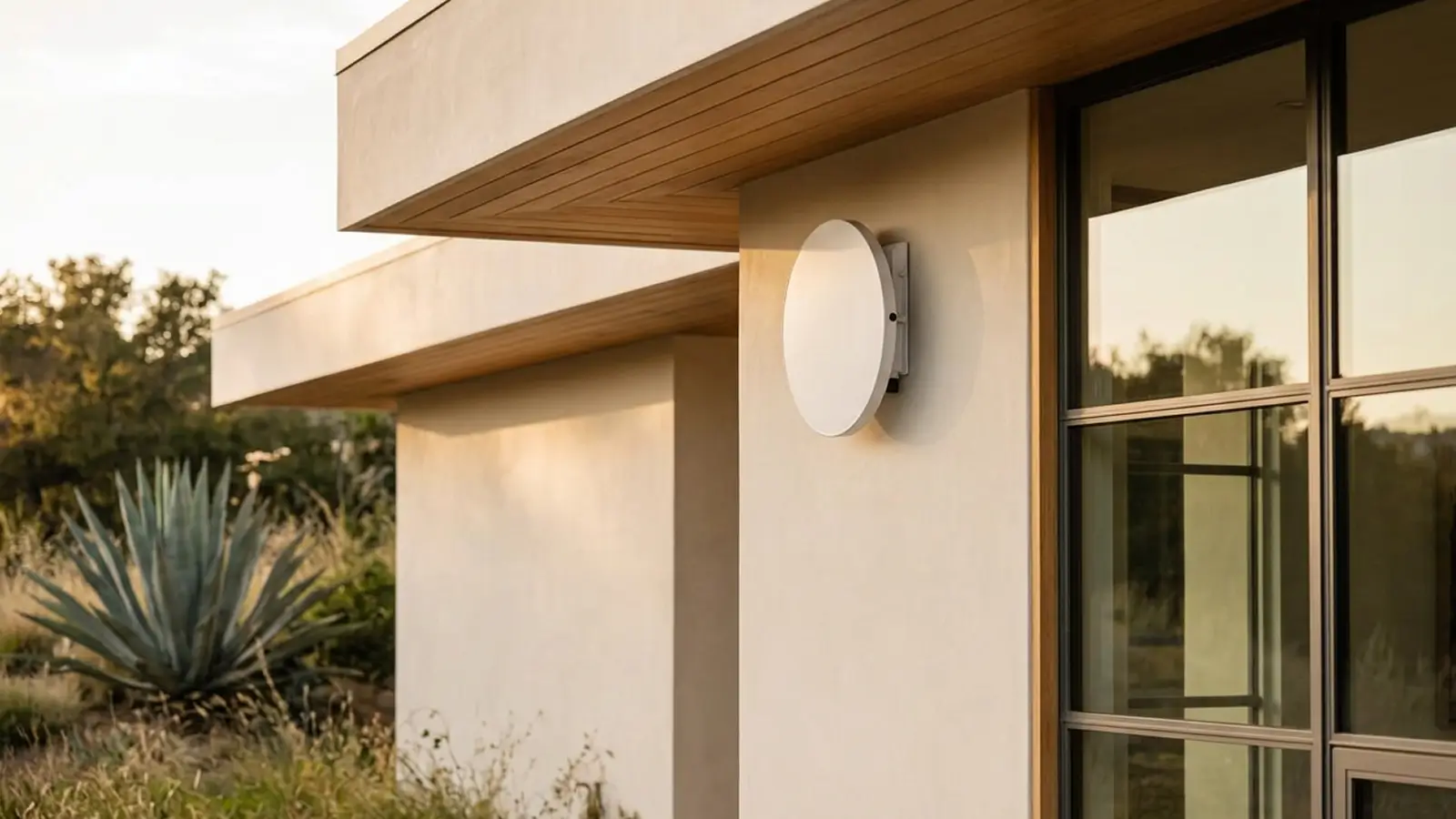
Wireless
A wireless connection from our tower straight to your home.
No digging
We mount the antenna and never trench or dig up your property.
Licensed pros
Insured, trained GeoLinks installation technicians.
Finished in 2-4 hours
Installation is quick and clean with the experience of our licensed pros.
Getting ready for your installation appointment
Here's how to prepare and what your appointment will look like. A GeoLinks technician takes care of the rest.
What to have ready before the technician arrives:
A room with an exterior wall
Your router lives here, keeping the cable path short.
A standard wall outlet
You'll need one in that room to power the adapter and router.
Access to the roofline
A small antenna will be safely and securely mounted near your roofline.
An adult needs to be present
The install is quick, so we won't take up much of your time.
What happens when our licensed pro arrives:
Walkthrough
We confirm the best spot for the antenna and router with you.
Mount & aim
The antenna goes up and is aligned to the tower.
Run the cable
One ethernet cable is routed inside and sealed.
Connect & test
We set up your Wi-Fi and confirm your speeds before we go.
Every GeoLinks installation is completed by skilled technicians who are licensed, bonded, insured, and trained on GeoLinks equipment. If you have a question, local support is a call away.
How GeoLinks connects to your home
Small rooftop antenna
A small, low-profile antenna is mounted near your roofline for most installs, similar to a satellite dish. Our technicians choose the mounting approach that best protects your roof, based on your home's structure.
One slim cable
A single weather-rated ethernet cable runs from the antenna down the outside wall and into one room, sealed neatly at a small entry point. Every install is done with care to keep your home looking the way it did before we arrived.
Enters one room
Indoors, a small power adapter connects to your Wi-Fi router and plugs into a standard wall outlet.
Reliable internet is ready
Connect to the router and start using your fast, reliable internet.
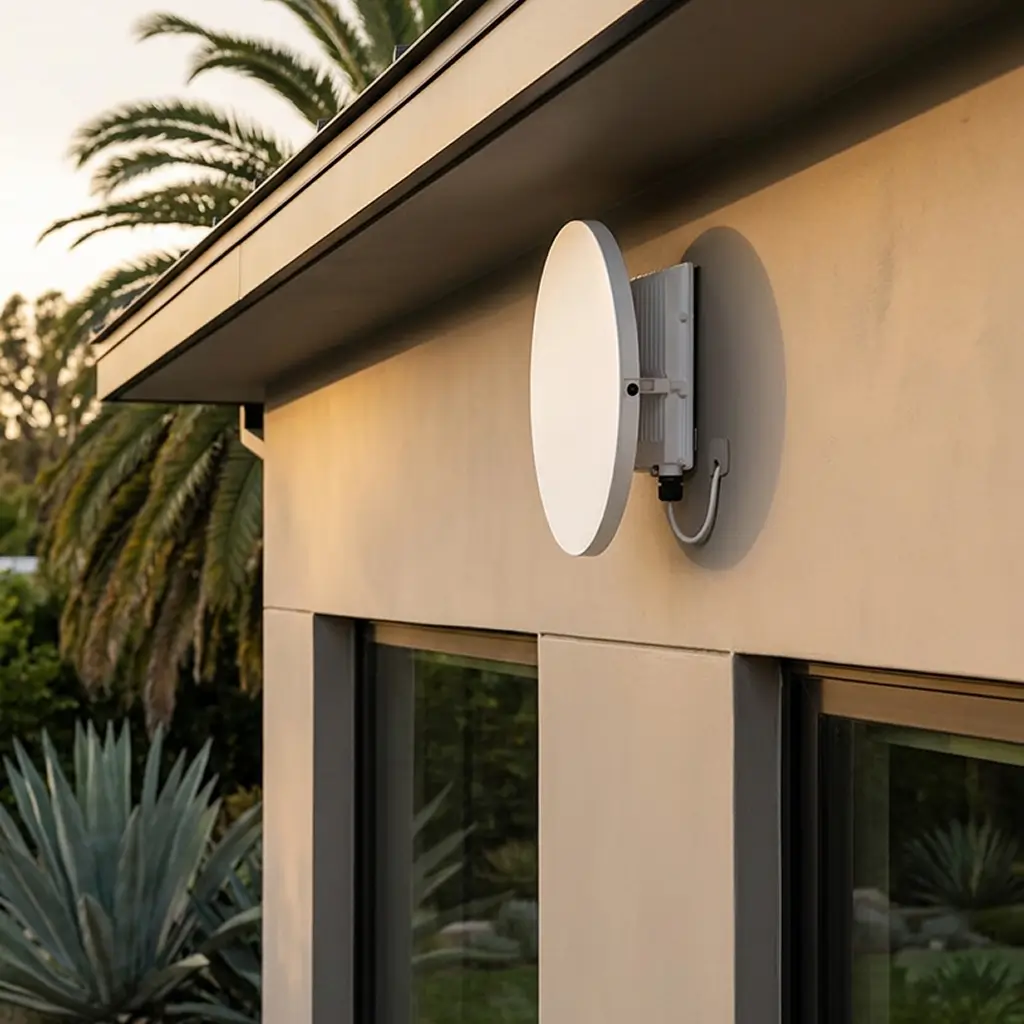
How big is a GeoLinks internet antenna?
The antenna is smaller than most people expect, about the size of a small pizza, and it mounts flat and low near your roofline. A slightly larger model (about 19") is used when needed to improve signal and speed.

GeoLinks antenna
under 12”

Small pizza
about 12”

Basketball
under 9.5”
Specs
Antenna size
12” rooftop antenna
Mount type
Flat, wall mount near roofline
Connection type
Fixed wireless from nearby GeoLinks tower
Cable
Single, weather-rated ethernet cable
Indoor equipment
Power adapter and Wi-Fi router
Installation time
2-4 hours
Home internet connection questions
Browse common questions about the residential installation process. Contact us with any other questions.